Aug 26, 2026
Multi-Monitor Arm Engineering for Trading Floors and Control Rooms
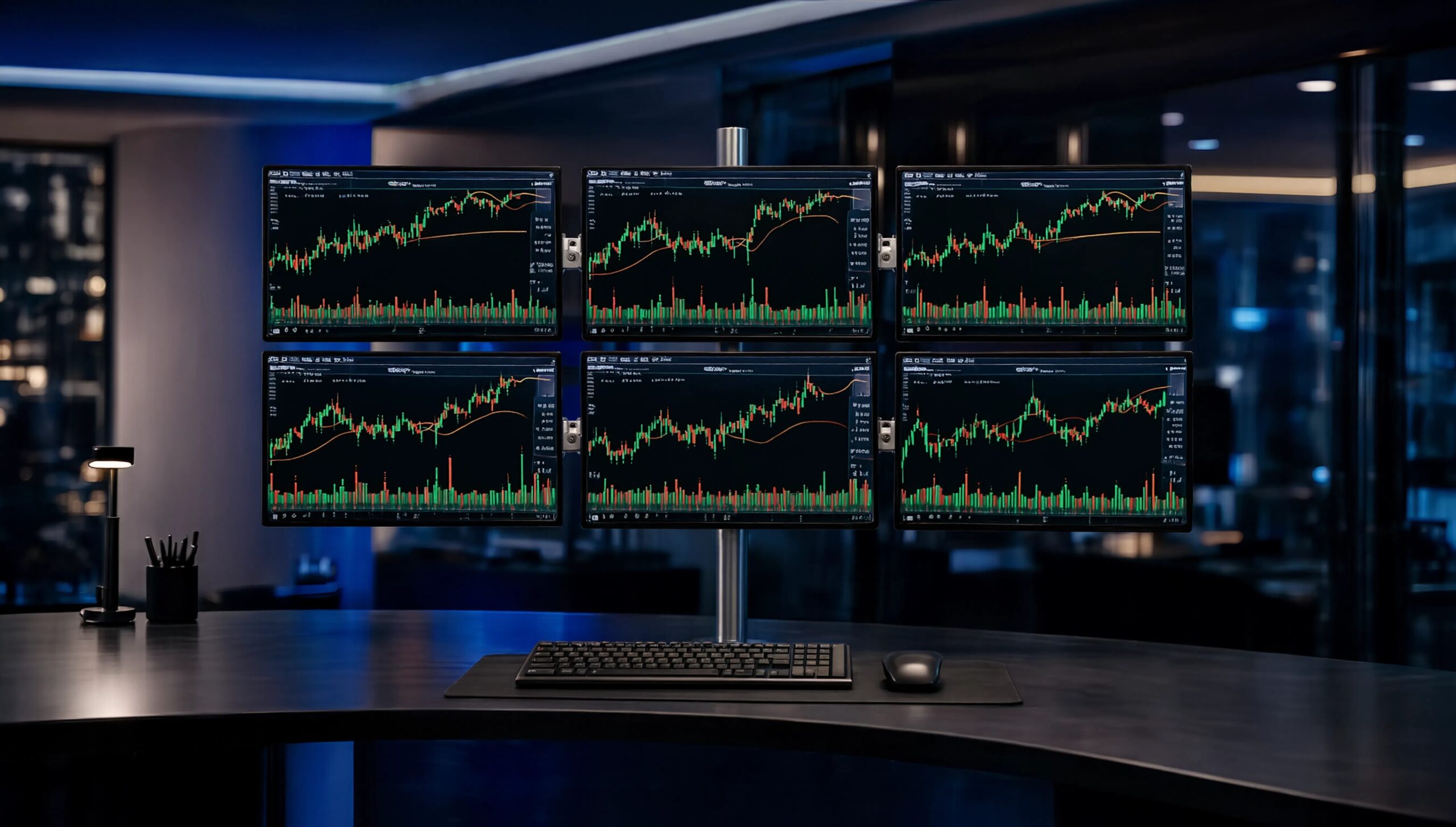
A trading floor seat or control room console rarely runs one screen. It typically runs four, six, or eight, arranged across curved or ultrawide panels, stacked in rows, and repositioned dozens of times a shift as operators lean in to check a chart or lean back to scan the whole array. The monitor arm holding that array is not a comfort accessory here; it is load-bearing infrastructure that has to survive constant adjustment, dense cabling, and shared desks that were never designed with any single workstation in mind. Specifying an arm system that was engineered for a single home-office monitor onto this kind of desk usually shows up later as sag, drift, or a clamp that loosens under repeated use. This article looks at the specific engineering variables that matter for high-density, near-continuous professional environments: weight budgeting, gas-spring counterbalance behavior, cable density, mounting mechanics on shared desks, and durability under constant motion.
Load Capacity Planning for Dense Multi-Screen Arrays
The first engineering question is not "does this arm hold a monitor" but "does this arm hold this monitor, at this extension, in this configuration, indefinitely." Most monitor arms are rated per-arm rather than per-system, with published capacity ranges commonly falling between roughly 2 kg and 12 kg for standard dual and multi-arm units, depending on material (aluminum, steel, or a combination) and the length of the linkage. A curved 34 to 49 inch ultrawide panel, increasingly common as a replacement for two or three smaller screens on a trading desk, can weigh well beyond the capacity of an arm designed for a 24 inch monitor, even though both may share the same VESA 100x100mm mounting pattern. VESA's Flat Display Mounting Interface standard defines the hole pattern and screw spacing for attaching a display to a mount, but it does not certify weight capacity, so matching the arm's rated range to the actual panel weight is a separate check every time a screen changes.
In a six-screen or eight-screen control room configuration, the relevant number is not just individual arm capacity but the cumulative load and moment force on the desk-mounted base, particularly when arms are fully extended or several are clustered on one crossbar. A useful way to think about tiers:
| Tier | Typical per-arm capacity | Common use |
|---|---|---|
| Light duty | 2-6 kg | Single small/mid monitors, secondary displays |
| Mid duty | 6-9 kg | Standard 24-32" displays, dual-arm trading setups |
| Heavy duty | 9-19 kg+ | Curved/ultrawide 34-49" panels, single large-format screens |
Buying below the actual panel weight is the single most common cause of arm failure in high-density rooms, since the effect compounds with every added screen on a shared crossbar or pole mount.
Gas-Spring Counterbalance Mechanics Under Frequent Repositioning
Nearly all professional-grade monitor arms use a gas spring rather than a mechanical coil spring to counterbalance the display. A gas spring is a sealed cylinder holding pressurized nitrogen and a piston rod; lifting the arm compresses the gas, and controlled expansion pushes back to hold the display at whatever height it is released. This gives smoother, quieter motion than a metal coil and a more predictable "hold" at intermediate positions, which matters on a trading desk where an operator repositions a screen dozens of times per shift rather than setting it once and leaving it. The tradeoff is that gas springs are tuned to a specific weight range: too light a spring for the mounted display and the arm droops; too heavy and it kicks upward when the monitor is removed or swapped.
Two things matter for continuous, high-frequency environments specifically. First, most gas-spring arms include a tension adjustment (a screw or dial that changes the spring's effective force) so the same mechanism can be re-tuned as displays are swapped over the arm's service life, which matters in shared control rooms where hardware refreshes happen on a different cycle than desk furniture. Second, gas cylinders lose internal pressure gradually over years of use, a slow seal-permeation effect rather than a sudden failure, so an arm that felt correctly balanced at installation may need a tension re-check after extended continuous service. Rooms that run 24/7 accumulate more open/close and lift cycles per calendar year than a typical office desk, so this recalibration point tends to arrive sooner than in general office deployments.
Cable Management Engineering for High-Density Desks
Multiply four to eight displays by power, video, and often USB or KVM cabling, and a trading floor console can carry 15-25 cables per seat before accounting for shared docking stations or dual-input monitors. Left unmanaged, that cabling does two kinds of damage: it restricts the arm's actual range of motion (defeating the point of a movable mount), and it creates a physical snag risk as operators reach across a console during fast-moving sessions. Arm-integrated routing, channels built into the linkage itself rather than an aftermarket clip, keeps cable slack moving with the display instead of pulling taut or bunching at full extension. On top of arm-level routing, horizontal cable managers along the back of the desk and vertical managers running cable down to power/data drops give the console a second layer of organization for the trunk lines that don't attach to any single arm. For rooms with permanent seating (as most trading floors and control rooms are), this is worth engineering once at desk build-out rather than retrofitting after the console is live.
Clamp and Grommet Mounting on Shared, High-Density Desks
Trading floor and control room desks are frequently modular, shared across shifts, or built to a furniture spec the IT or facilities team doesn't control. That makes the mounting interface, not just the arm itself, a real engineering constraint. Clamp mounts grip the desk edge and typically accommodate a range of desk thicknesses, commonly somewhere between 10mm and 65mm depending on the clamp design; grommet mounts pass through a drilled hole and generally suit thinner desktops, often up to roughly 36mm. Neither is universal: a heavy curved-panel arm on a thin veneer desk can rock a clamp loose over months of repositioning, while a grommet through a desk that will later be reconfigured or reassigned may leave a permanent hole in furniture that needs to move. Facilities teams outfitting a new trading floor or control room should confirm actual desk edge thickness and material (not just the vendor spec sheet for the arm) before standardizing on one mounting type across dozens of identical seats, since a mismatch discovered after installation means retrofitting every desk rather than one.
Durability and Stability for Near-Continuous Use
A control room or trading floor console rarely powers down; screens stay lit, and workstations are frequently staffed across overlapping shifts. That changes what "durable" means for a monitor arm. Manufacturers often publish a motion-cycle rating (a lab test of repeated lift, tilt, and swivel actions) as a proxy for expected service life, and arms intended for this kind of continuous professional use are generally built with more metal in the joints and less reliance on plastic bushings than consumer-grade arms. Vibration and drift are the practical symptoms of wear: an arm that no longer holds its position after being nudged, or one that has developed play in the tilt joint, is usually signaling that the internal mechanism has reached the end of its rated cycle count rather than a one-off defect. Because these consoles are staffed continuously, a failing arm is harder to schedule downtime around than in a typical office, so specifying arms with a higher published cycle rating and metal-on-metal joints up front is generally cheaper than replacing them mid-deployment across an active floor.
FAQ
Q: Does a trading floor or control room need a different monitor arm spec than a standard office deployment? A: The core engineering (gas spring, VESA mount, clamp or grommet base) is the same, but the operating conditions are not. Continuous use, frequent repositioning, denser cabling, and larger or heavier panels all push toward the higher end of load capacity and cycle-rating specs than a typical single-monitor office arm, even if the room looks similar on a floor plan.
Q: Can one arm system support a mix of monitor sizes on the same desk, such as one ultrawide panel plus two standard monitors? A: Generally yes, but each arm in the system should be rated individually for the panel it holds rather than assuming a uniform spec across the desk. A heavy ultrawide typically needs its own heavier-duty arm and possibly a separate gas-spring tension setting from the smaller secondary displays sharing the same crossbar or desk clamp.
Q: How often should gas-spring monitor arms be checked or re-tensioned in a 24/7 environment? A: There's no fixed universal interval, since it depends on cycle count and load rather than calendar time, but rooms running continuous shifts accumulate wear faster than office desks. A practical approach is to check tension and joint play whenever displays are swapped, plus a periodic facilities inspection rather than waiting for visible sag to prompt a fix.
Conclusion
The decision principle for outfitting a trading floor or control room is straightforward even though the variables are not: size the arm to the actual panel weight and the actual duty cycle of the room, not to a generic multi-monitor spec sheet. A dual-arm system rated for two 24 inch office monitors is a different engineering problem from the same footprint holding a curved 49 inch panel that gets repositioned every hour across three shifts a day. Desk construction changes the answer as much as monitor choice does: the same arm that clamps securely on a solid 40mm desk edge may need a different mounting approach entirely on a thinner or shared modular surface, and that check has to happen before an entire floor of identical seats gets standardized on one hardware spec.
What to check next, in practice: confirm the actual weight and VESA pattern of the displays going onto each seat, measure the desk edge thickness and material at the specific workstations being outfitted (not just a floor-wide assumption), and ask any arm manufacturer for both the per-arm capacity range and the published motion-cycle rating rather than relying on marketing copy about "heavy duty" alone. For continuous, always-on rooms, that cycle rating and the ease of re-tensioning over time matter as much as the initial weight spec.
Modernsolid's multiple monitor arm line is built specifically for 3 to 6 screen configurations and is marketed toward financial analysts and traders who need several data streams visible at once, while its dual gas-spring arms publish per-arm capacities in the 2-9 kg range with both clamp and grommet mounting across a range of desk thicknesses. More detail on the current monitor arm lineup is available at Modernsolid.